
| Section | What it holds |
|---|---|
| Identity | Your name, your work and your emails |
| How I work | How you like Sensei to work, such as "Reply in short bullets" |
| Personal and legal | Details you want at hand, such as document numbers and their expiry dates |
| Languages | The languages you speak, and the one you prefer |
| Location | Your city and country |
| Workspaces | The workspaces you belong to |
| Where things go | Where new tickets, notes and follow-ups go |
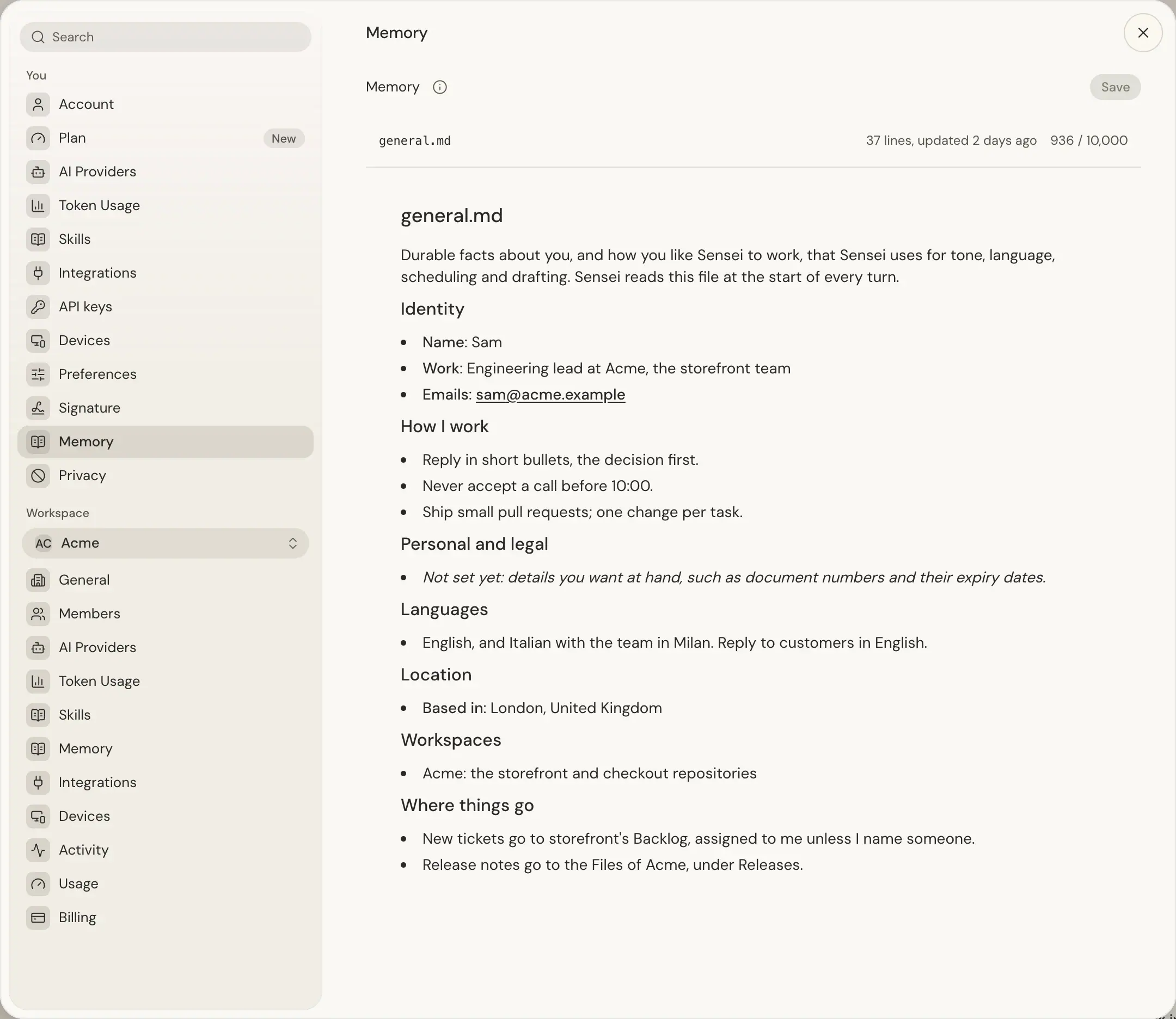
The file starts from a short template that already holds your name, your account email and your workspaces; your work, personal and legal details, languages and location say Not set yet until you fill them in, because Sensei does not guess them. The template is written once: later changes to your name or workspaces do not rewrite the file.
Press the file to edit its Markdown, then Save. The file's row shows its line count, when it was last updated and its characters against the limit: each file holds up to 10,000 characters, and Save stays off past it. Unsaved changes shows until you save, and leaving asks whether to discard them. If the file changed elsewhere, your text stays in the editor: Copy edits copies it, and Discard edits and load saved file loads the current version.
Sensei proposes changes as a card in your thread. Review and approve the card before it changes Memory. Workspace and chat session agents cannot read your private Memory files through your account API.
Spotlight's suggestions also use general.md. After each change to it, a model writes a short summary of the facts that help a suggestion, such as where you live, your nationality, your languages, currencies and time zones. Sensei removes ID, document, account and licence numbers, phone numbers, emails, addresses and family details before and after that model reads the file. Spotlight's suggestion model reads only this summary, never the file. For example, if you live in the UAE, typing 10 usd t can suggest 10 usd to aed.
Spotlight's quick answers read the whole general.md on every message of a chat, follow-ups included, so they can answer questions such as your company address or when your rental ends. The answer's model is told not to put personal or sensitive data into web searches.